Replace source data
You can replace an entire source table with newly uploaded data.
If you want to replace an entire source table, the table must be of Table type. A newly uploaded table is of Table type by default.
Click Source tables in the Data set panel. The Source tables section opens.
Change the table type to Table if required.
Select the table to be replaced.
Example
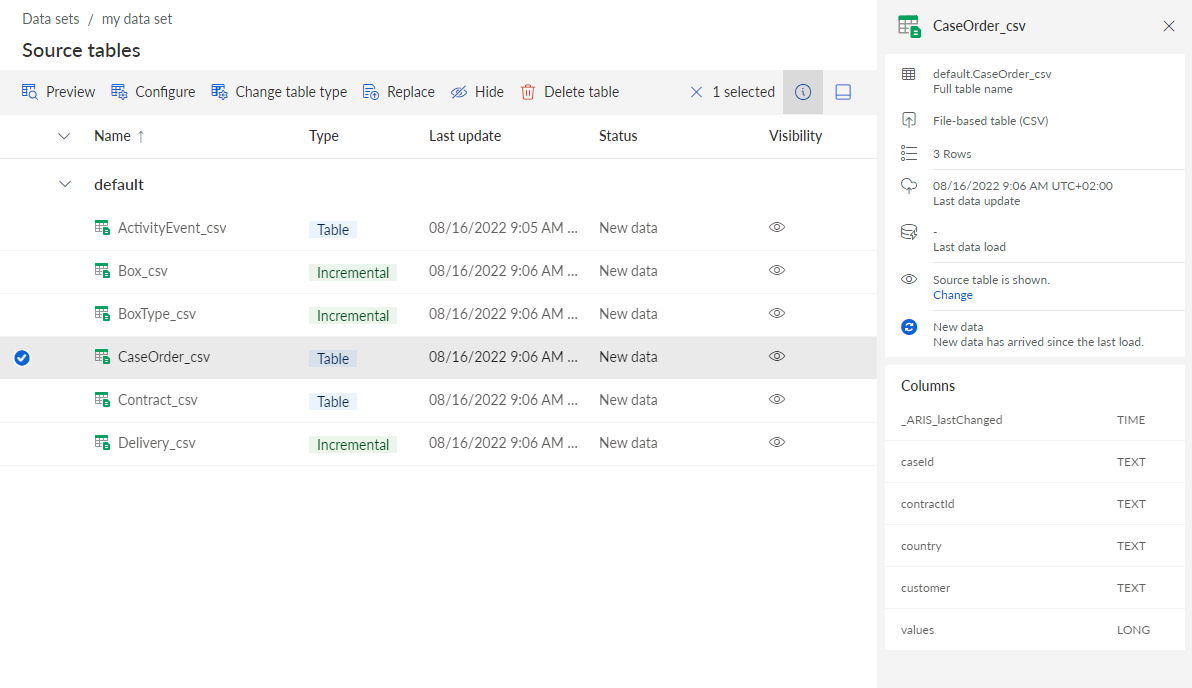
The CaseOrder_csv source table is selected and the Replace option is available.
Click Replace.
Select the CSV file to replace the existing source table. The selected file is uploaded to the data set.
The data of the selected source table is completely replaced.
If you have already configured the data model and loaded the data into the process storage, you must refresh the data model and reload the changed data into the process storage.