Configure the connection to the workflow system
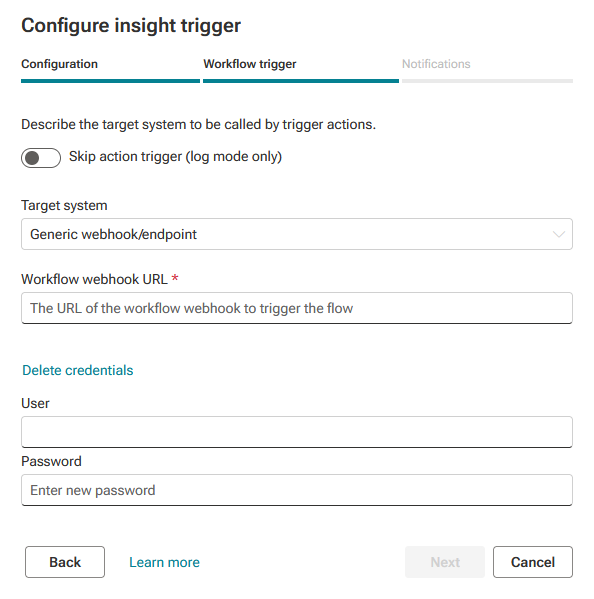
You can configure the connection to a workflow system for an insight trigger. If you have already configured the connection when creating the insight trigger, you can change the connection settings.
Click
 Configure. The Configure insight trigger dialog opens. Here you can change the name and identifier, if required.
Click Next. The Workflow trigger dialog opens. Here you can configure the trigger action.
If no workflow is to be executed, enable the Skip action trigger (log mode only) option and click Create. The option is disabled by default. When the option is enabled, a workflow is not triggered and only the captured insights are displayed.
Select the workflow system to trigger in the Target system drop-down menu. For details on configuring a workflow system, see the chapter Create an insight trigger.
Click Apply.
You have configured the connection to a workflow engine.
Example