Add the insights to the analysis model
You can use the gained insights in your analyses. To do that, you must add the insights to the analysis model.
Prerequisite
The insight trigger must not be activated.
Procedure. Procedure
Enable the Add insights to analysis model option. The option is not available for an activated insight trigger.
Open the analysis model.
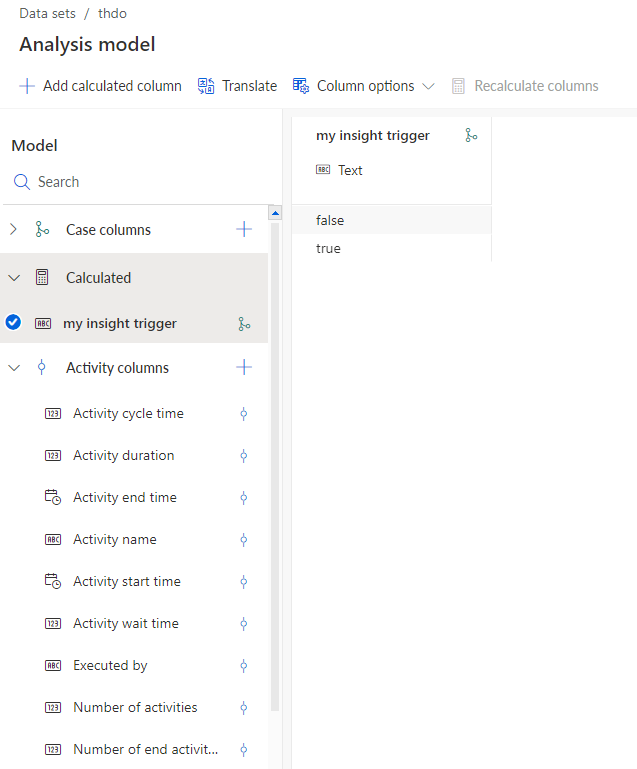
The insight are now available in the analysis model and provided as calculated column with the insight trigger name as the column name.
You can now use the insights in your analyses, for example, you can calculate the ratio of insights that meet your calculation rule.
Example 167.
The result of the calculated insights is included in the analysis model.