Add tables to the data model
You need to create a data model that specifies the tables and columns of the data source to load into the process storage. You can add tables to the data model that were extracted from a data source, such as a CSV file or an SAP system, or created using transformations.
Click Data modeling in the Data set panel. The Data modeling section opens.
Click + Add tables. The Select tables dialog opens.
Select the tables you want to add to the data set in the Available tables box. The tables are added to the Selected tables box.
Example
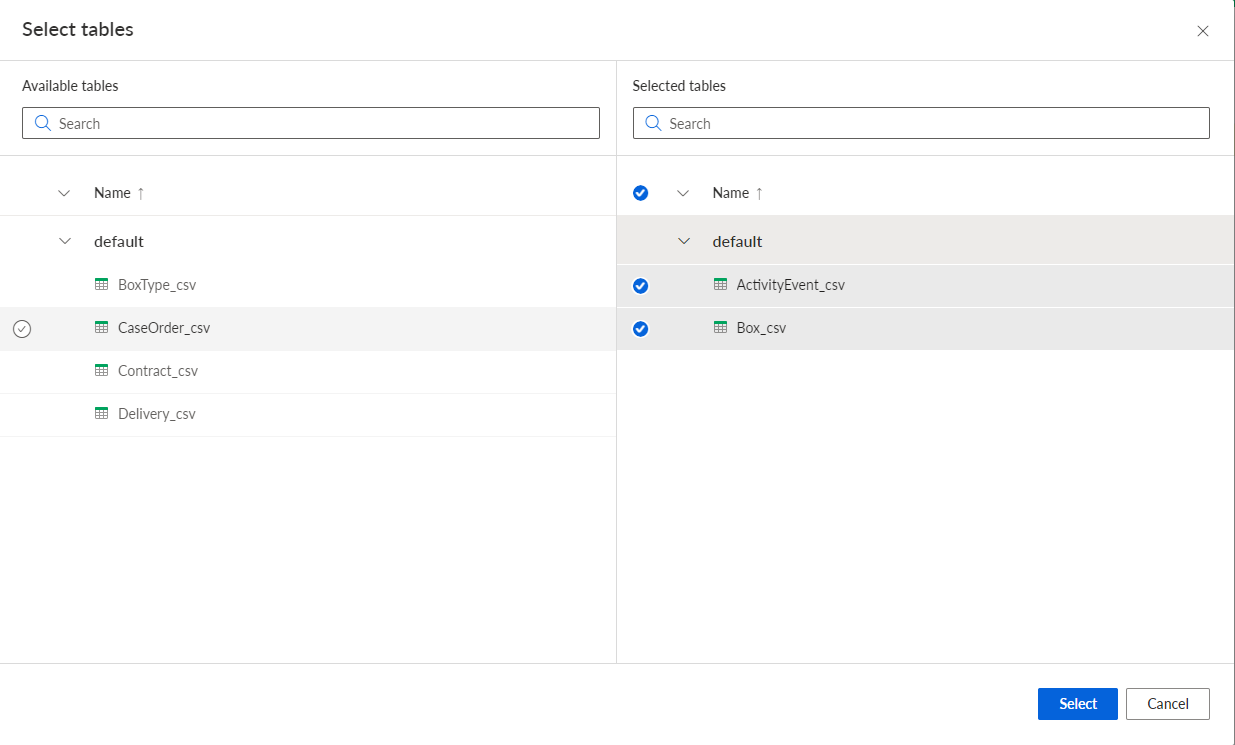
Click Select.
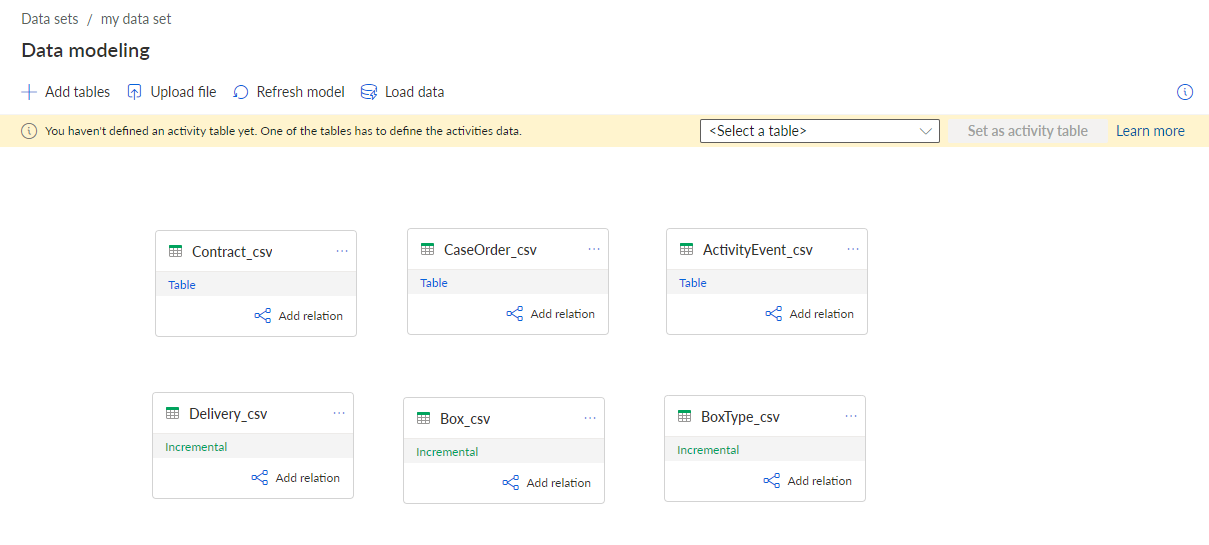
The selected tables are added to the data model.
You can now configure the tables added to the data model.
The data model includes six tables of the source data example, but the data structure is not yet configured.