Create a condition for a compliance rule
Create a condition for the rule that must be met for the cases to be compliant.
Open the data set that contains the compliance rule.
Click Compliance on the data set panel. The Compliance section opens with the Conformance page.
Click Rule checks. The Rule checks page opens.
Click a compliance rule. The page of the compliance rule opens.
Example
Page of a created compliance rule. No rule condition has been created yet.
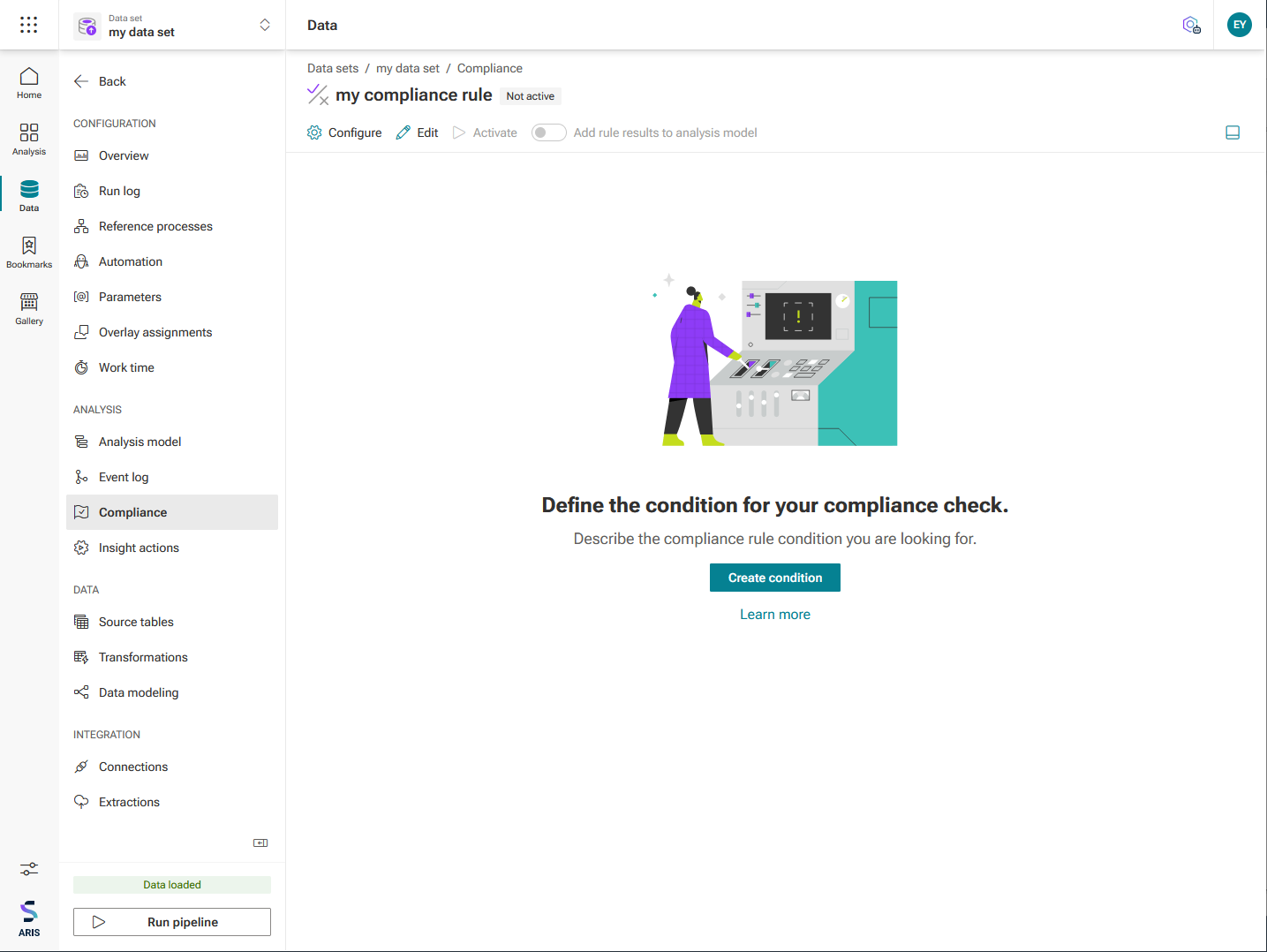
Click Create condition. The page for creating a rule condition opens including a preset condition.
Example
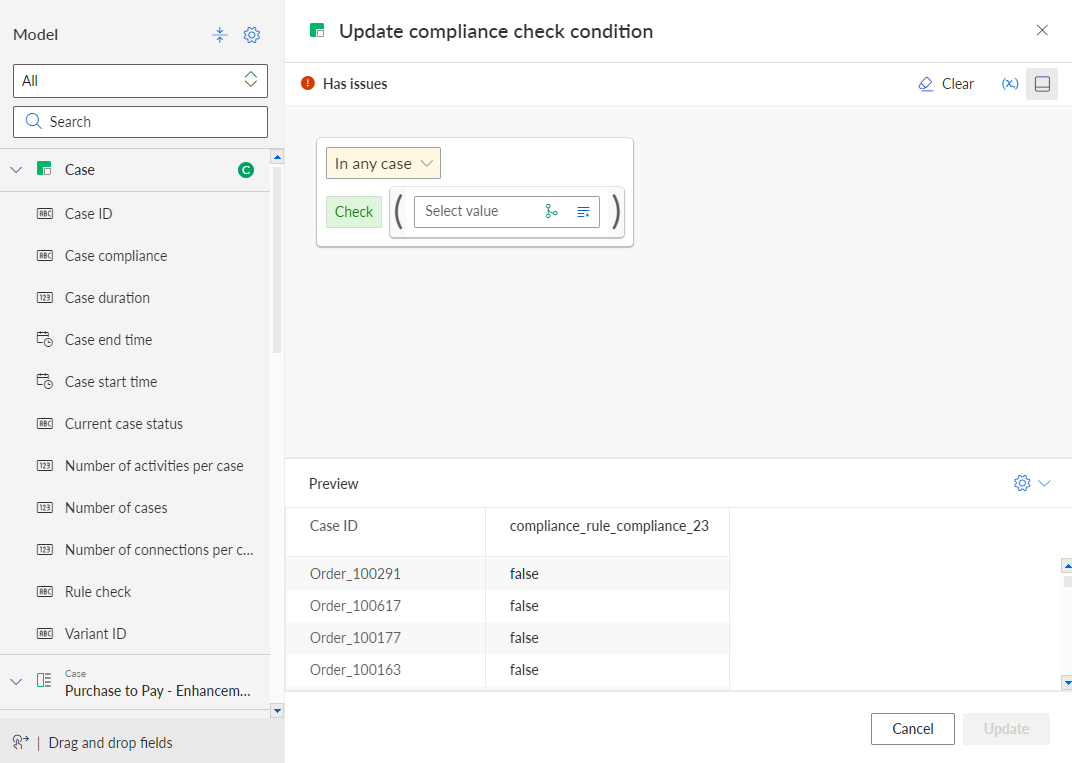
You can now define a rule condition using the visual editor. For details on using the editor, see the chapter Use the visual editor.
Each condition consists of two Boolean expressions: the scope and the requirement. The scope restricts which cases are covered by the rule, namely all cases for which it evaluates to true. If you want the rule to apply without restriction, you do not need to specify an explicit scope, but can select In any case.
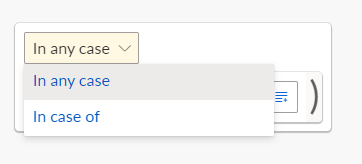
The requirement is the part that is evaluated to determine if a case in scope complies with the rule. If a case is out of scope, the case cannot violate the rule and passes the test without having to meet the requirement. In other words, the whole rule is evaluated as false only if the scope is evaluated as true and the requirement is evaluated as false. In all other cases, the rule is evaluated as true.
Example
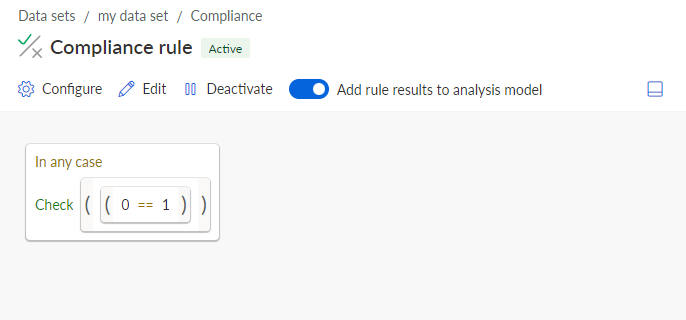
As an example, we define a very simple rule that applies to all cases and always fails. If your rule is syntactically well-formed, you can preview the evaluation results.
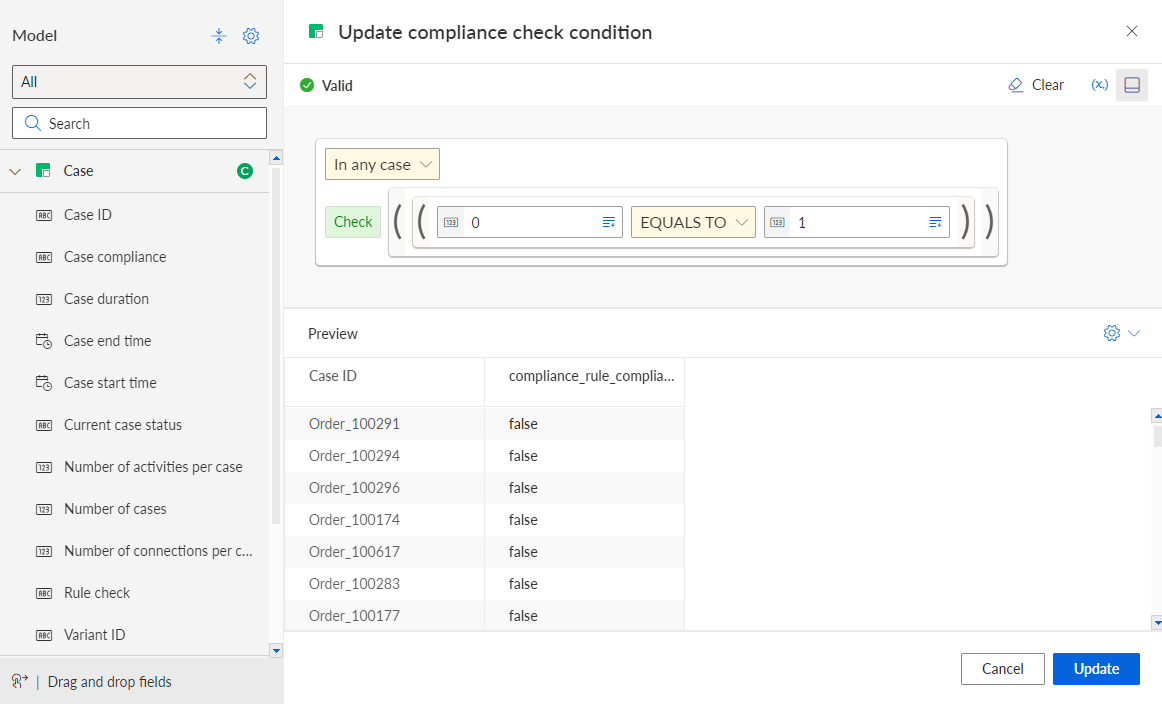
Click Update.
You have created a rule condition. The condition is displayed on the rule page.
You must explicitly activate the rule to apply it.
Activated compliance rule including a rule condition.