Create a compliance rule
You can create one or more compliance rules that you can use for a compliance rule check.
Open the data set that contains the processes for which you want to perform a compliance rule check.
Click Compliance on the data set panel. The Compliance section opens with the Conformance page.
Click Rule checks. The page to manage compliance rules opens.
Example
The page looks like this if no rule has been created yet.
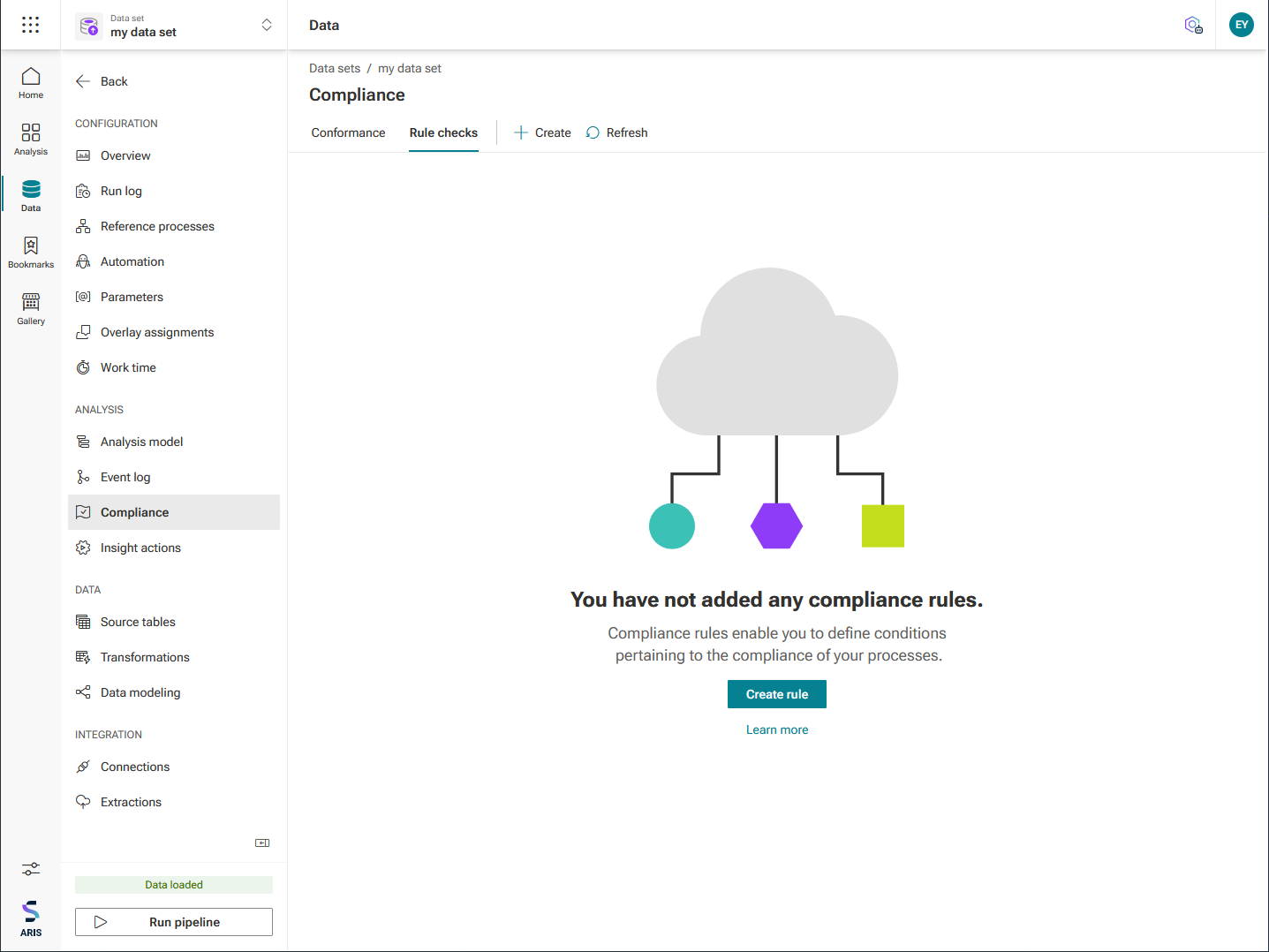
Click Create rule. The corresponding dialog opens.
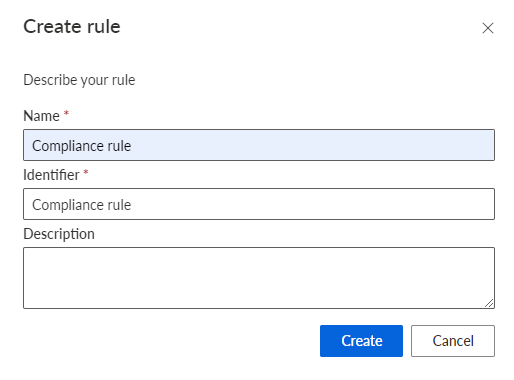
Specify a rule name. The name will be displayed in the Compliance app if the rule is violated. This name is language-independent and cannot be translated.
Specify an identifier. The identifier must be unique for each compliance rule.
You can enter an optional description.
Click Create.
You created a compliance rule. The page of the created compliance rule opens.
You can now define a condition for the created rule.