Extraction parameter for Databricks Delta Lake
You can edit the dynamical parameter that is automatically created for an extraction of a delta table from a Databricks Delta Lake. The parameter is used for the next Databricks Delta Lake extraction starting with the date of the last extraction.
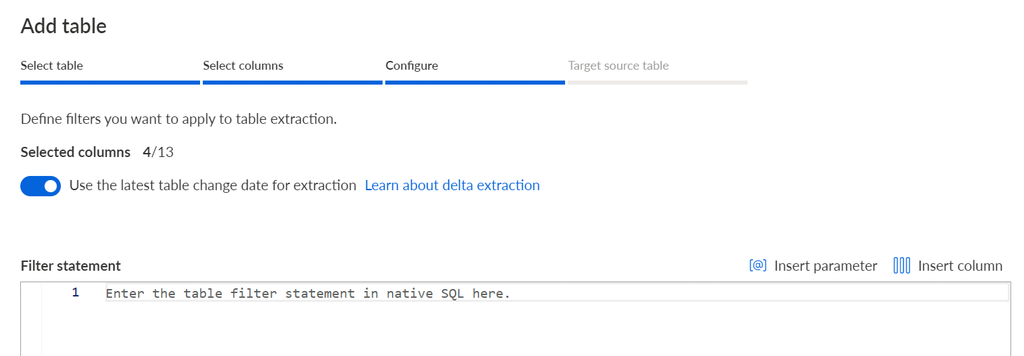
The parameter is available if you have enabled the Use the latest table change date for delta extraction option when adding tables for extraction.
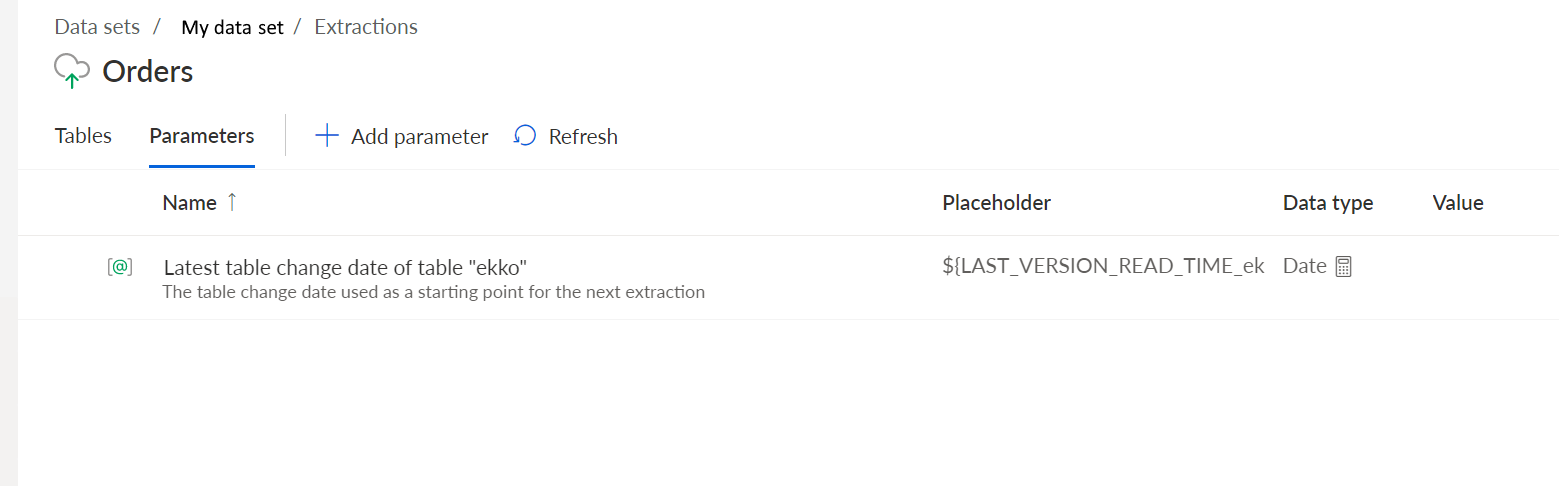
The automatically created extraction parameter is available on the Parameter page of the corresponding extraction. The parameter is listed with the following placeholder:
${LAST_VERSION_READ_TIME_<table name>}
<table name> is the name of the table for which the parameter was created. If you change the source table name, the placeholder of the parameter is updated automatically as well. The name of the parameter is not changed.
The image shows the automatically created Latest table change date of table "ekko" parameter. The parameter is created for the ekko table of the Orders extraction.
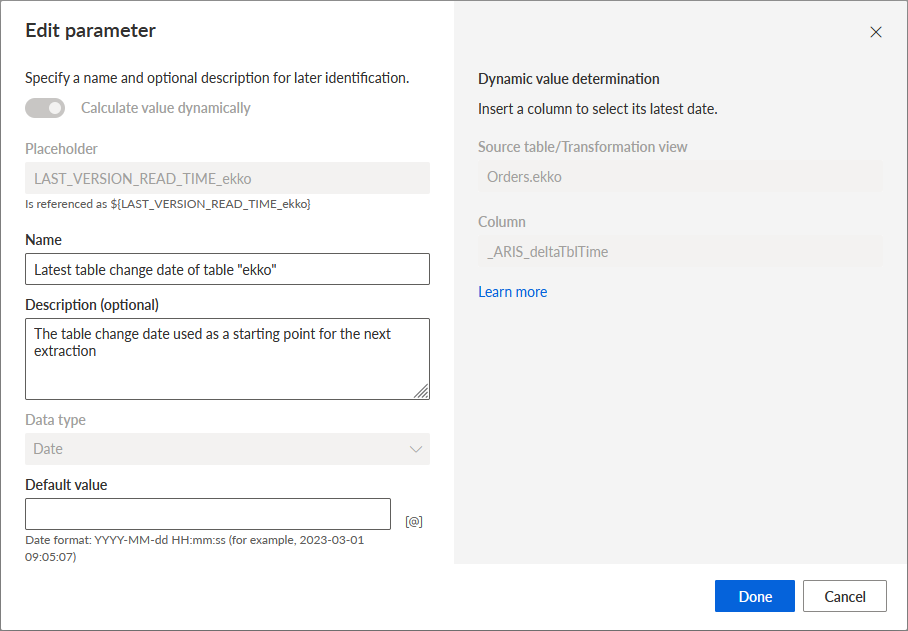
Parameter settings
The placeholder of that parameter is LAST_VERSION_READ_TIME_<table name> (or "LAST_VERSION_READ_TIME_<renamed name>" if the table was renamed).
You can only change the name, the description, and the default value of the parameter.
The parameter settings of the Latest table change date of table "ekko" parameter.
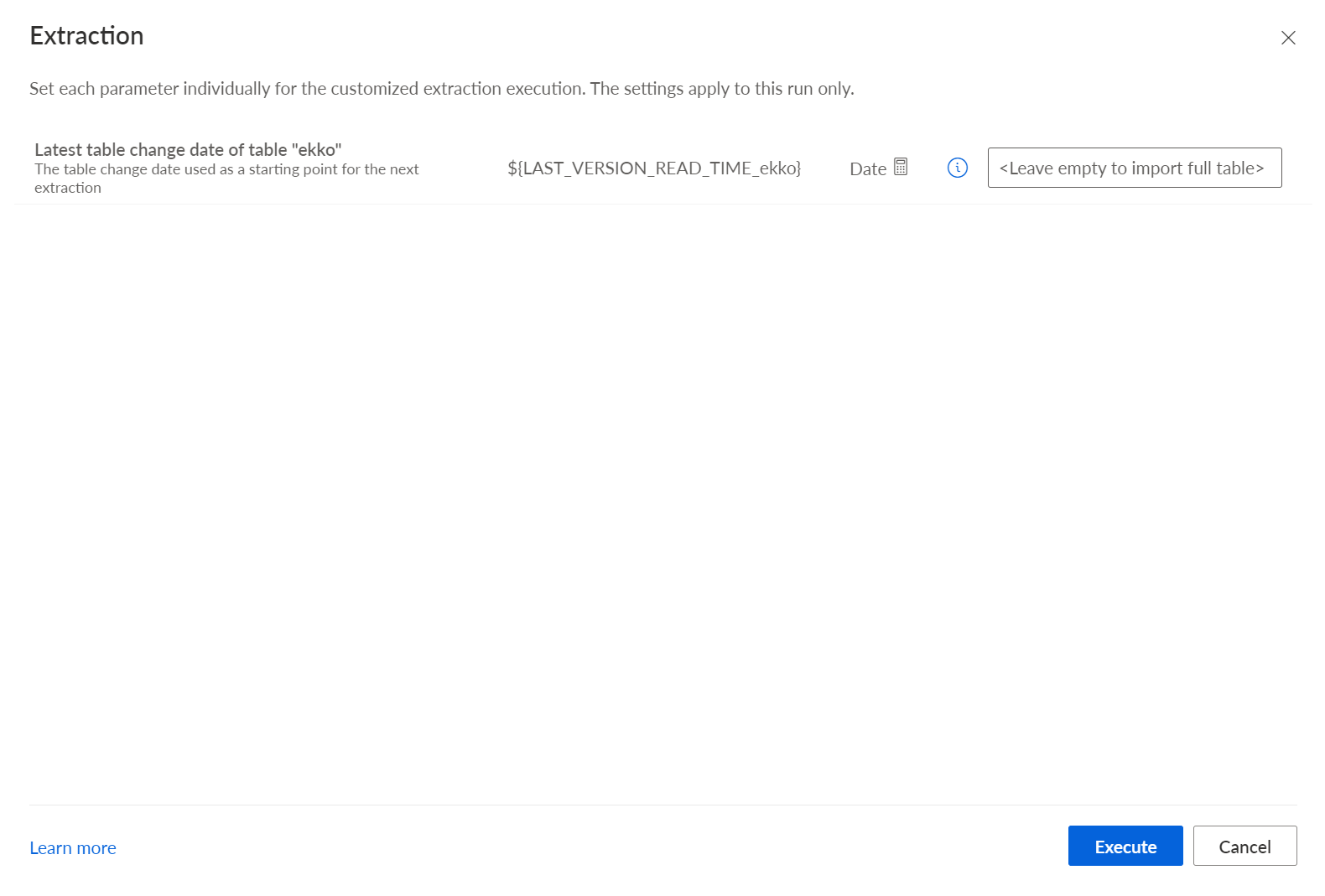
An empty default parameter value means that the entire table will be extracted during the first extraction.
If the extraction is started, the current value of the dynamic parameter is displayed and you can change the parameter value.
The value of this dynamic parameter will be used as the start timestamp of the data extraction interval for the version history. This means that the version whose timestamp is equal to or older than the current parameter value is determined from the history table. Only changes made to the table later than this version are extracted.
The end of the data extraction interval will be the current version of the tables when the data extraction is executed by Process Extractor.
So the data extraction interval will be as follows:
]<appropriate version according to the current value of the dynamic parameter>, <current version, at the start time of the data extraction by the JDBC Process Extractor>]
Since both version data and version history can be vacuumed (older version history entries and/or data can be deleted), these cases can occur with respect to the start and end of the data extraction interval:
The interval start date is before the date of the earliest entry in the version history.
For the interval start date an applicable version history entry is available, but the data for this version history entry is no more available (that is, the data is vacuumed).
The interval start date is newer than the date of the newest version history entry.
For the interval start date an applicable version history entry and the applicable data is available.
In cases 1 and 2, the data extraction fails with an error. Then you must decide how to proceed, for example, if the table should be read completely.
In cases 3 and 4, changed data rows are extracted according to the version history. In case 3 the extraction result is necessarily empty.
If data extraction is automated, it should be ensured that neither the version history nor the data is vacuumed before extraction.
The example in the Delta tables in a Databricks Delta Lake chapter describes how Process Extractor extract data from a Databricks Delta Lake using the version history.