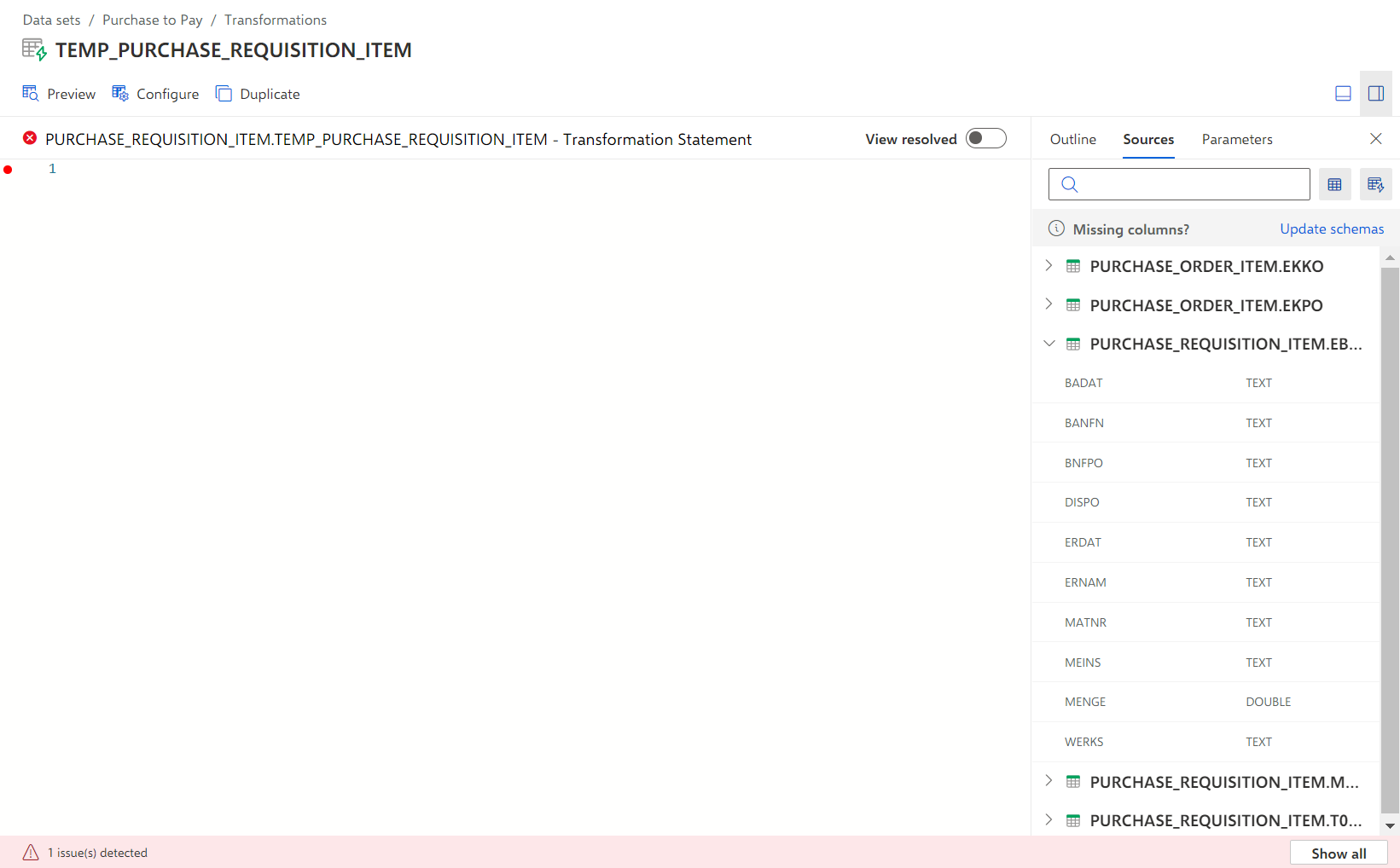
Create an activity table for purchase requisition items
Create the transformation for the Purchase Requisition Item extraction and specify the corresponding SQL statement to create Purchase requisition item activities. The activities are stored in an activity table.
Open the Transformations section of a data set, for example, the Purchase to Pay data set.
Click Add transformation. The corresponding dialog opens.
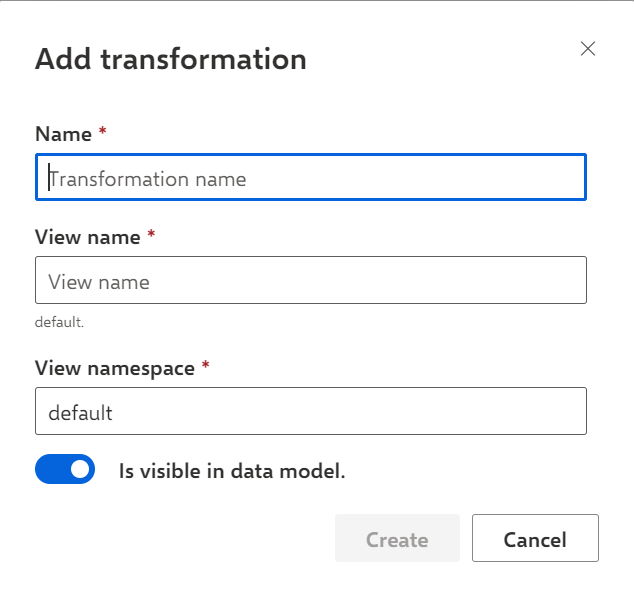
Enter a name for the transformation, for example, ACTIVITIES_PURCHASE_REQUISITION_ITEM.
Enter a view name for the transformation. By default, the transformation name and view name are the same, but you can specify a different view name. For this example, you can use ACTIVITIES_PURCHASE_REQUISITION_ITEM as view name.
Enter a namespace. Namespace and view name (with a '.' in between) are used in other transformations to reference the data of this transformation. The namespace can be used to categorize views. In the given example, we use PURCHASE_REQUISITION_ITEM as namespace.
Note that "_ARIS" is not allowed as a namespace.
Click Create.
The transformation is created and opens.
The transformation provides an input field for creating a transformation definition using SQL statements.
You can now define the SQL statement for the created transformation.