Create a transformation
You can create a data transformation using an SQL statement.
You can follow the comprehensive transformation example that describes how to create a transformation and define a transformation statement.
Click Transformation in the Data set panel. The Transformations section opens.
Click Add transformation. The corresponding dialog opens.
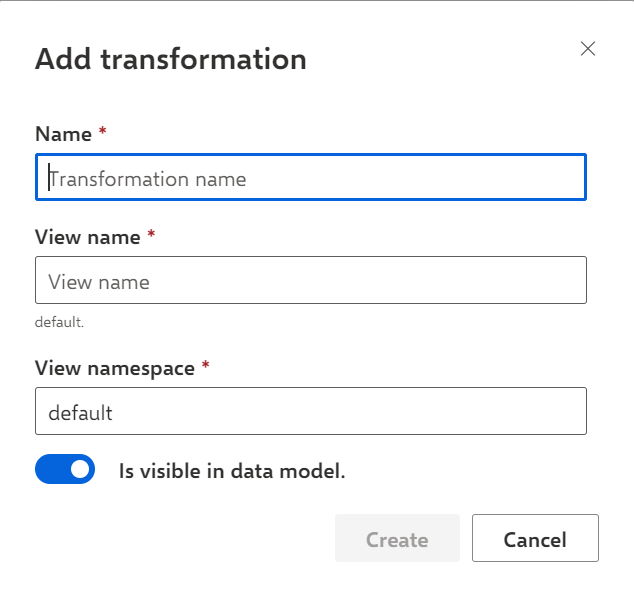
Enter a name for the transformation.
Enter a view name for the transformation. By default, the transformation name and view name are the same, but you can specify a different view name.
Enter a namespace. Namespace and view name (with a '.' in between) are used in other transformations to reference the data of this transformation. The namespace can be used to categorize views.
Note that "_ARIS" is not allowed as a namespace.
Click Create.
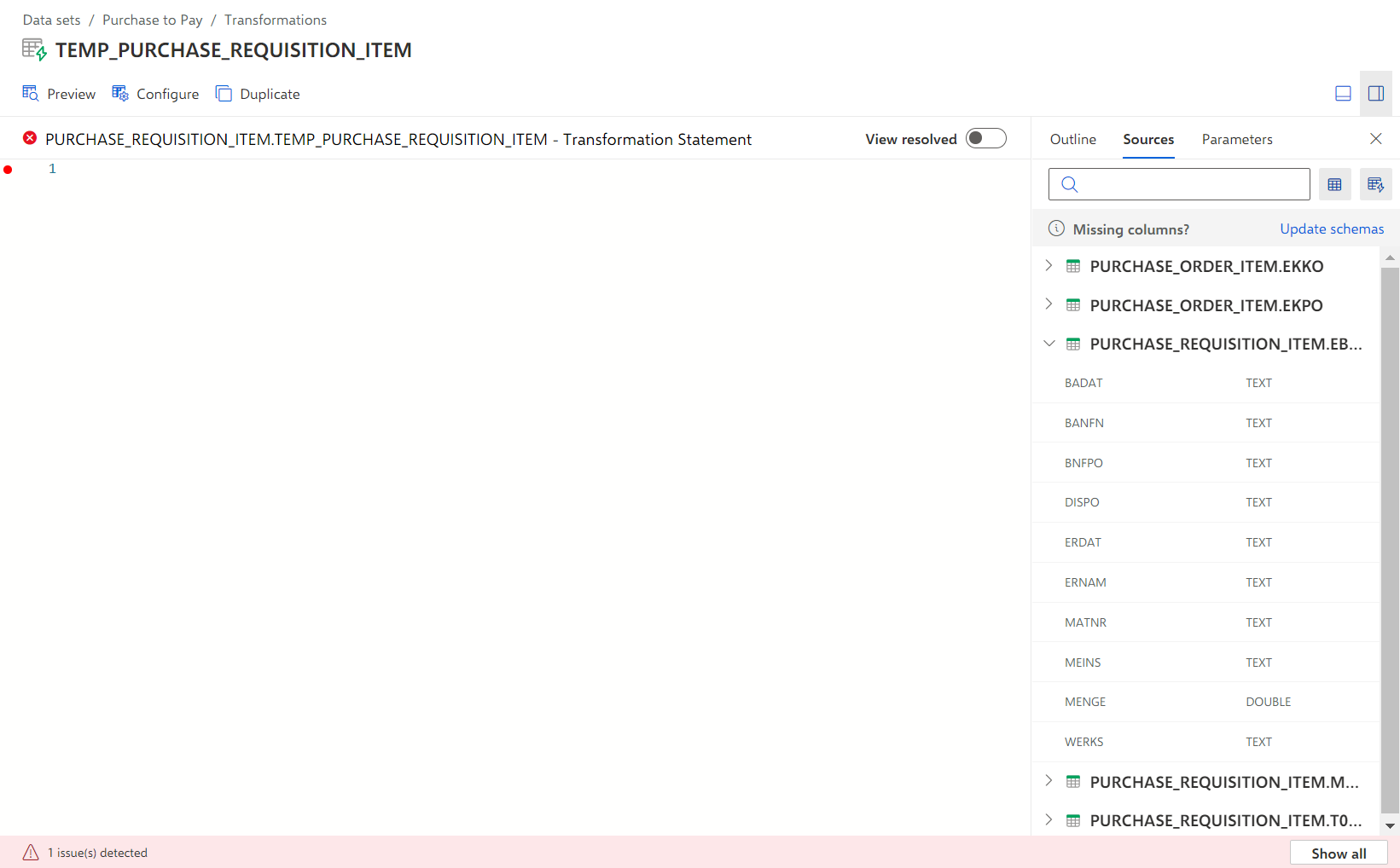
The transformation is created and opens.
The transformation provides an input field for creating a transformation statement using SQL functions.
You can now define the SQL statement for the created transformation.
The example shows an open transformation with an empty input field for creating a transformation statement.