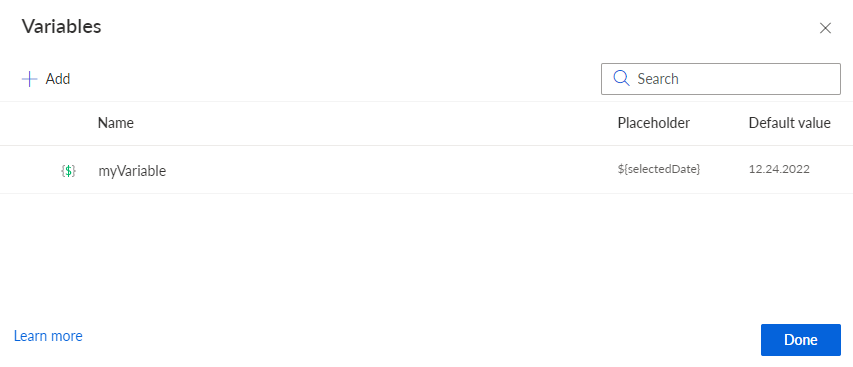
Create variables
You can create variables for your analyses. You can use a variable only in the analysis for which you created the variable.
Move the mouse pointer over an analysis in the Project panel.
Click the ... More options icon.
Click Configure variables. The Variables dialog opens.
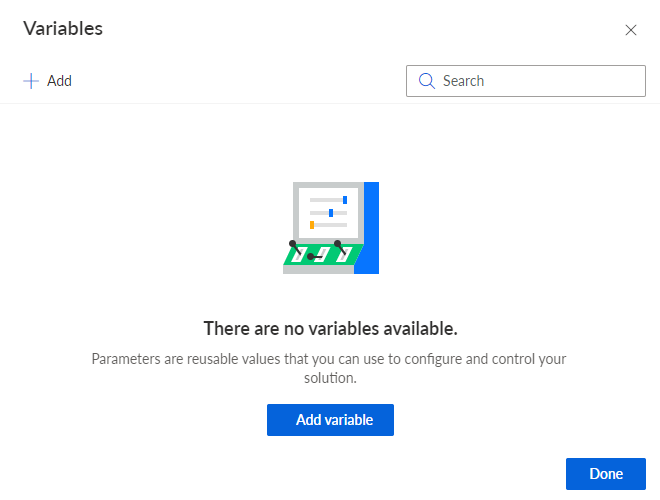
Click Add variable. The corresponding dialog opens.
Configure the variable.
Enter a placeholder, for example, "selectedDate". The placeholder is used as a reference by the Input component to provide data, for example, ${selectedDate}.
Enter a variable name. The name is used to identify the variable.
You can enter an optional description.
You can enter a default value that will be used as the initial value. By default, the value is NULL. Click NULL and enter a value, for example, a date.
To use the current date and time as the default value of a variable, enable the Current date and time option. If you perform an analysis in which the variable is used, the current date and time of execution are dynamically assigned to the variable. If the variable value is set by a component, such as the Input component, the value of the component is used.
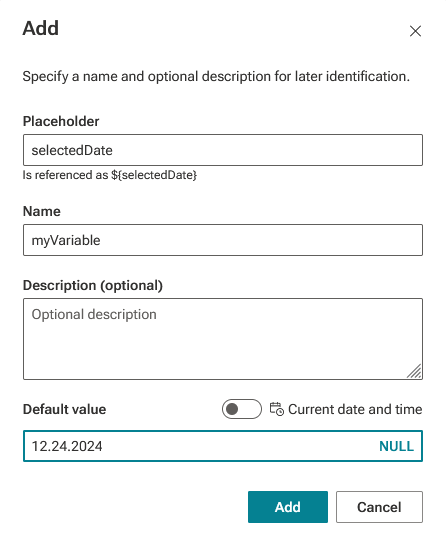
Click Add. The variable is listed on the Variables page.
Click Done to close the Variables page.
You created a variable for the analysis.