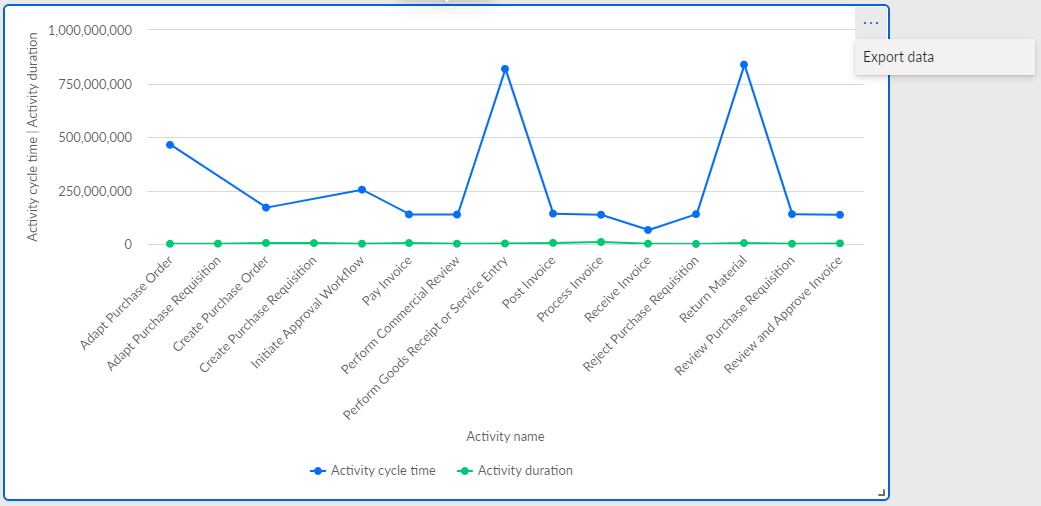
Enable data export
If you enable data export for individual app components, you can export the data displayed in the component to an Excel or CSV file.
Open an analysis.
Add an app using the App builder.
Insert a component in the app, for example, a line chart.
Assign the data to be analyzed to the component, that is, dimensions and measures, and configure it.
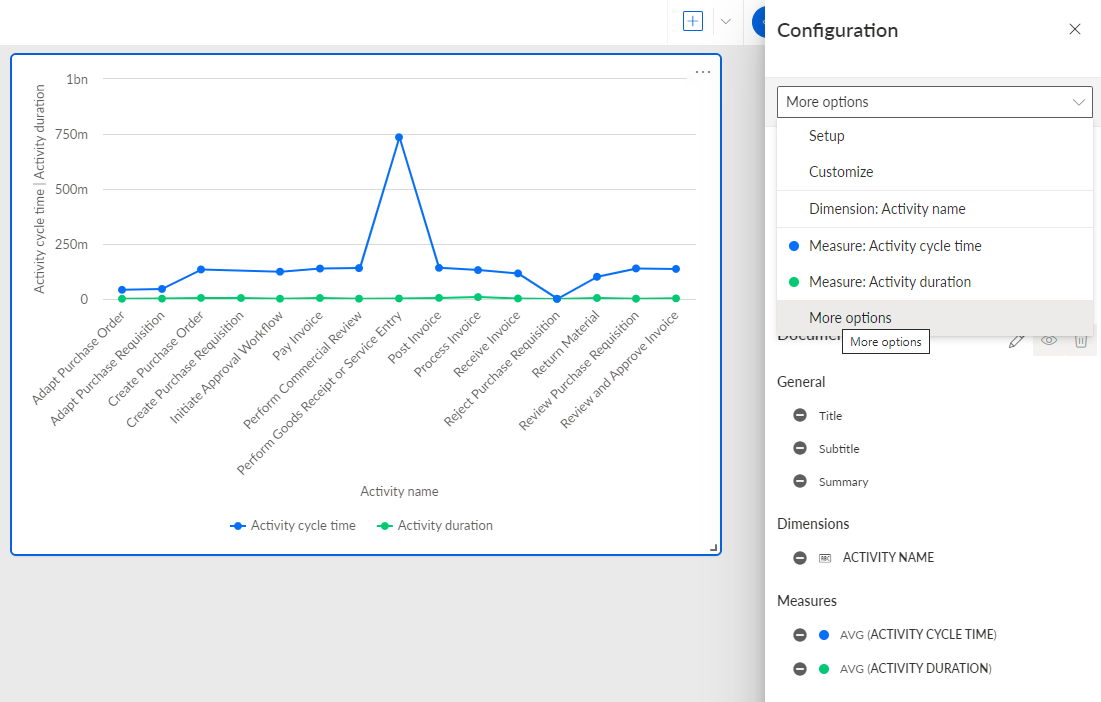
In the Configuration panel of the component, select More options from the drop-down menu.
Enable Display more options in the Configuration panel.
Select the position for the More options icon (...) in the Button component. By clicking the ... More options icon in the component, you can export the data.
Enable the Enable data export option.
The data export is enabled for the selected component. To export the data, click the ... (more options) icon.
Line chart with the enabled data export option.