Create analysis model
You must load the configured source data into the process storage to create the model that you can analyze.
The Load data action triggers the computation of the data contained and defined within the data set. It prepares the data to be analyzed by ARIS Process Mining.
Click
 Run pipeline at the bottom of the Data set panel.
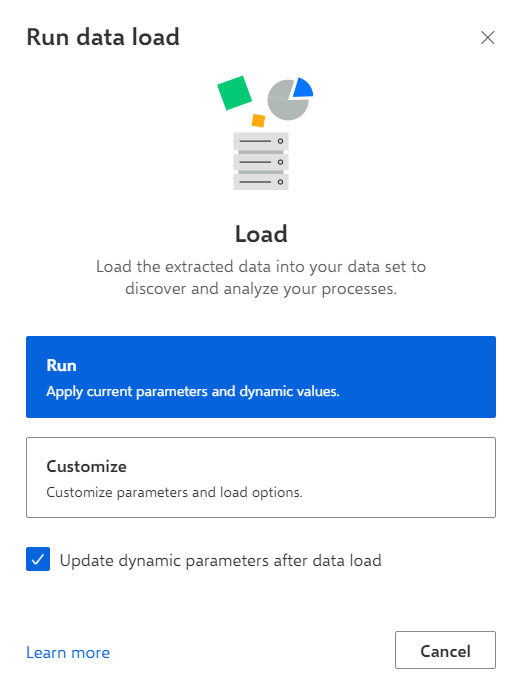
Click Load data. The Run data load dialog opens.
Click Run in the Run data load dialog. Depending on the amount of data to be processed, it takes a few moments to load the data.
The analysis model is created. Your process data is loaded into the ARIS Process Mining process storage and becomes visible to all projects based on the data set.
modeling
Now you can start analyzing your processes immediately, or you can first enhance your process model with additional data to create and analyze more complex processes.
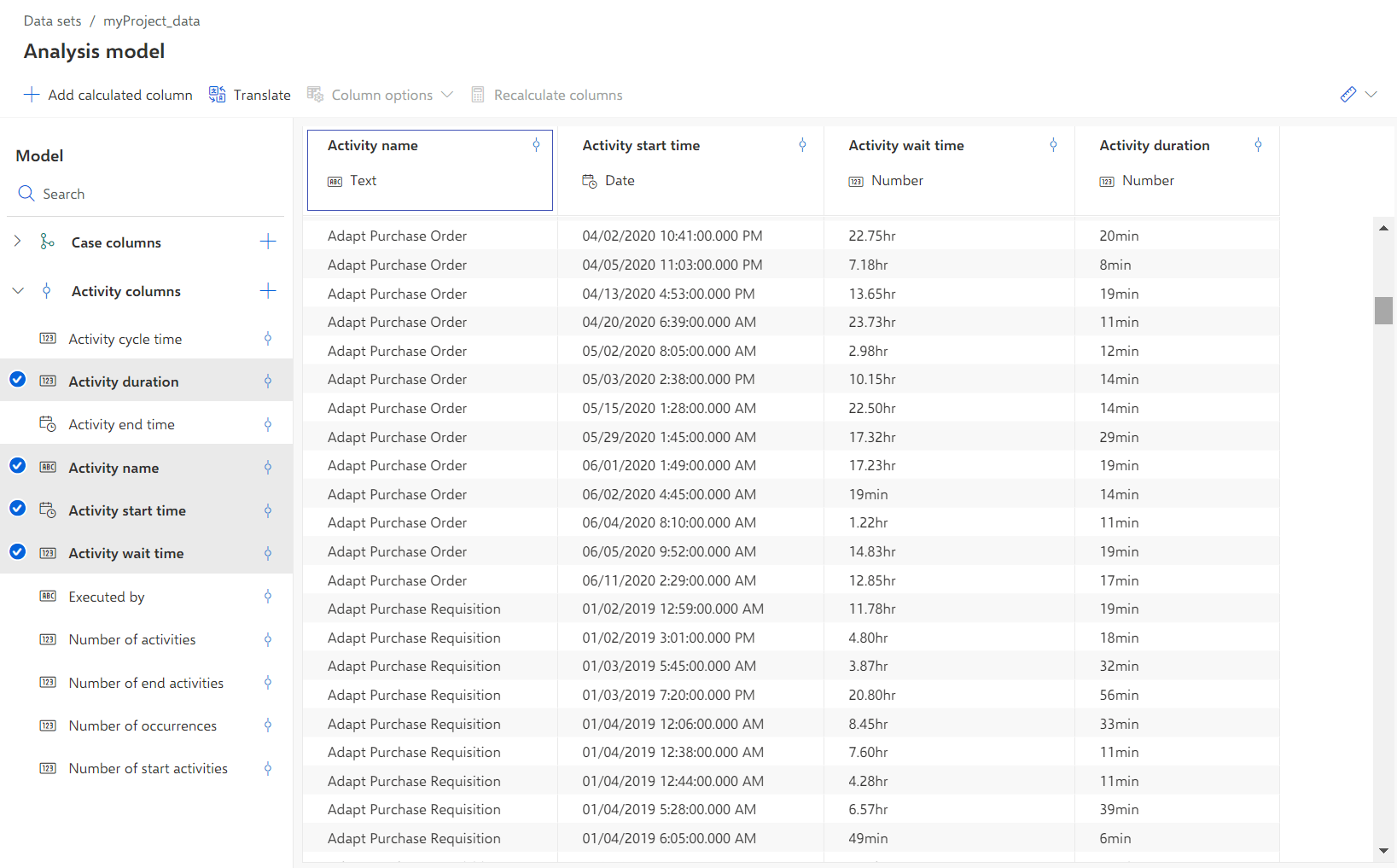
The following example shows the values of some selected fields of the analysis model.