Delete specific cases
You can delete specific cases from the process storage of a data set, for example, to delete personal data from a data set. You can filter cases by specific user data and delete the cases that contain the relevant data.
General Data Protection Regulation (GDPR)
In order to comply with the General Data Protection Regulation (GDPR), you can use the Delete specific cases option to delete user data, from a data set, for example, IP addresses, MAC addresses, or user names.
GDPR protects individuals’ personal data within the European Union. It also regulates the export of personal data outside the EU. GDPR is a regulation by the European Parliament, the Council of the European Union, and the European Commission.
Warning
The deleted data cannot be restored.
On the Overview page, click Delete process data > Delete specific cases. The Select cases for deletion dialog opens.
Click Add filter. The corresponding dialog opens. You can filter the data to delete. For details on how to filter process data, see the chapter Filter processes.
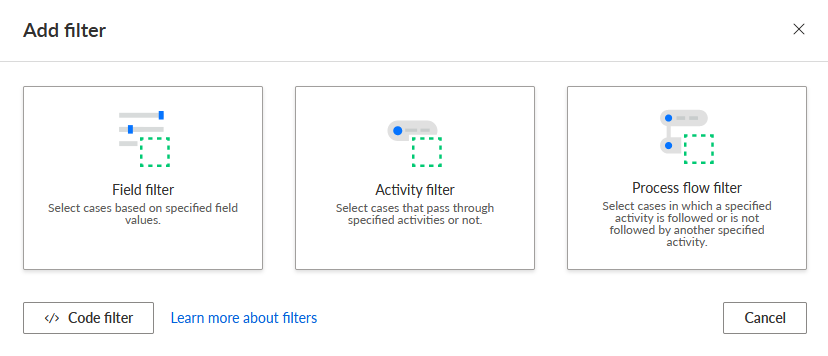
Select the filter method to specify a filter. A corresponding editor opens.
Click Delete.
The filtered cases are deleted from the process storage of the data set.