Check the source data
You can check if the extracted and imported data is correct and meets your requirements.
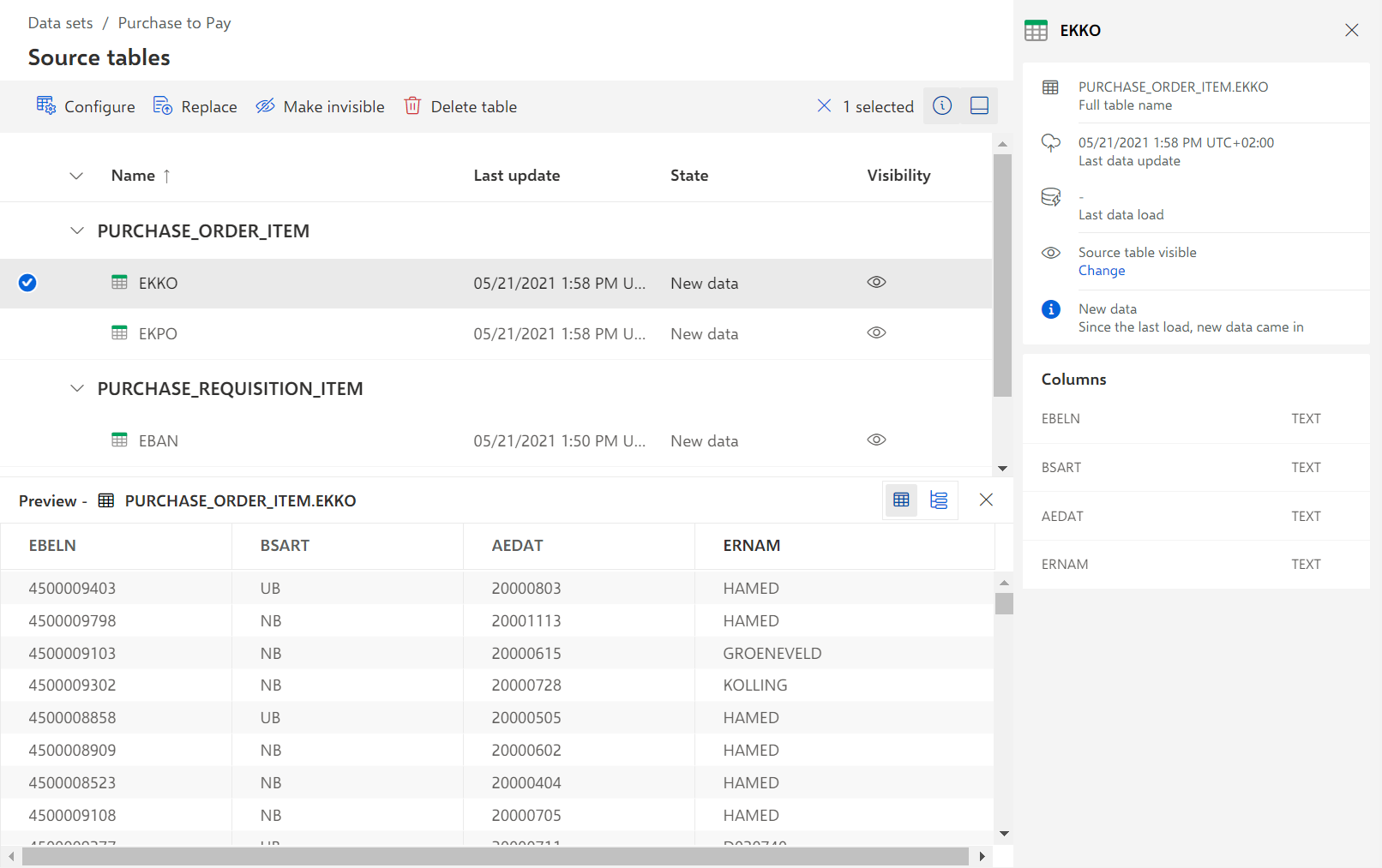
The Source tables section lists all extracted tables. Each extracted table has the table namespace of the extraction as a prefix. For example, the EBAN table of the Purchase requisition item extraction is listed as purchaserequisitionitem.eban.
Procedure. Procedure
Open the Source tables section of the Purchase to Pay data set.
To display the table details, click the table name.
To display the data preview of a table, select the table and click Preview.
You can check the displayed data.