Delete transformations
You can delete existing transformations.
Warning
Deleted transformations cannot be restored.
Procedure. Procedure
Open the Transformations section of a data set, for example, the Purchase to Pay data set.
Select the transformations to delete. Move the mouse pointer over a transformation and enable the corresponding check box to select the transformation.
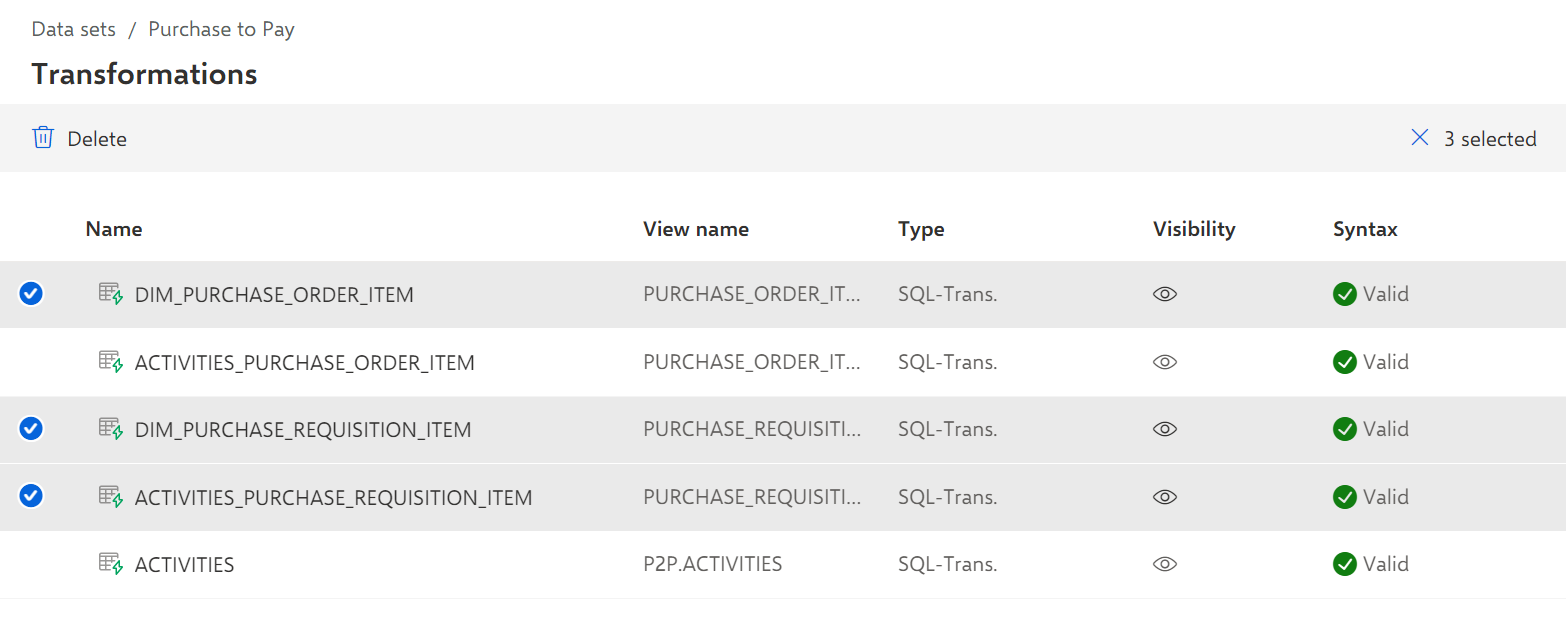
Click Delete.
The selected transformations are deleted from the Transformations page.