Manage process model overlay configurations
You can check the current status of your process model overlay configurations and delete them if they are no longer needed.
Open the data set for which you have created a process model overlay configuration.
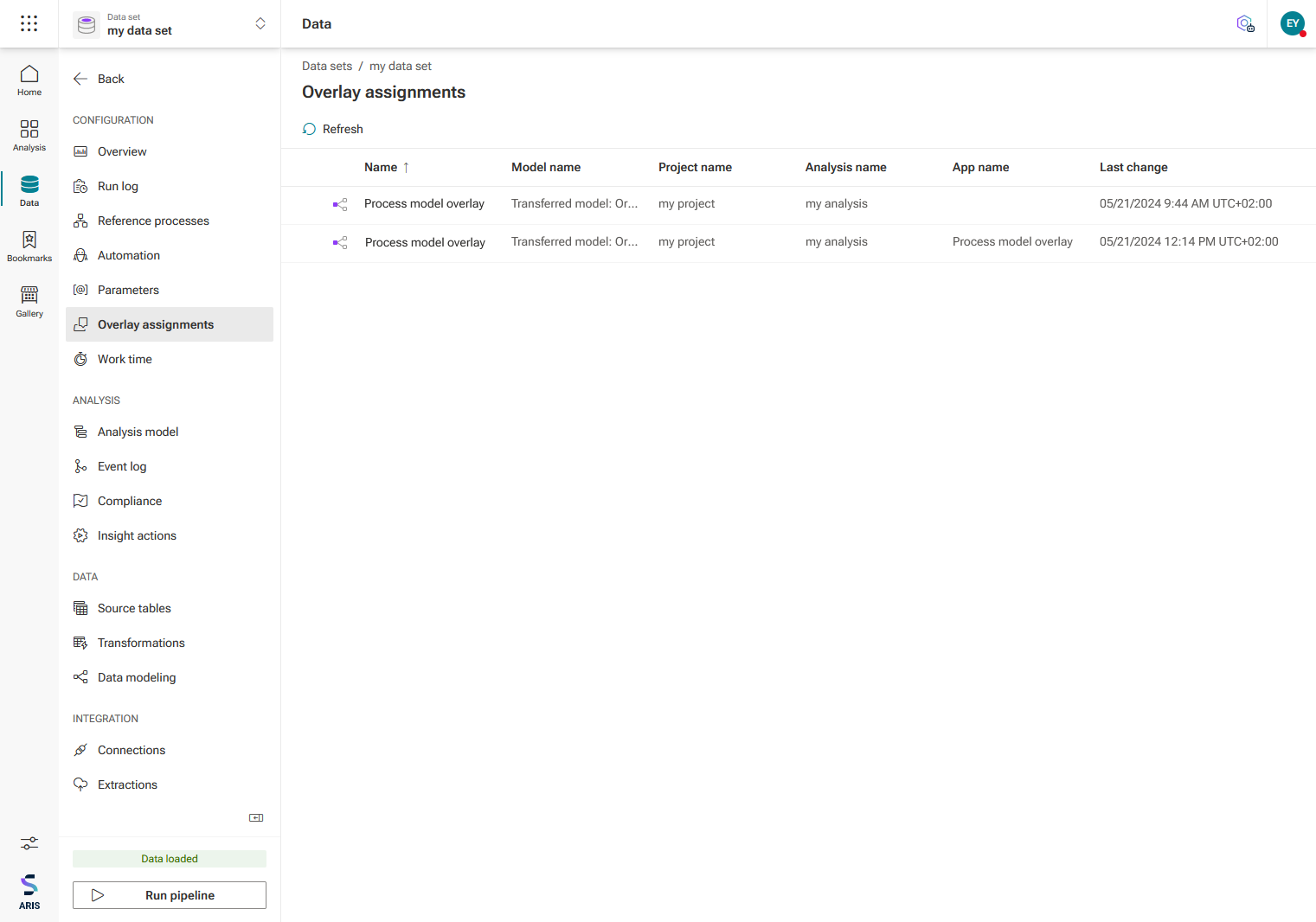
Click Overlay assignments in the Data sets panel. The Overlay assignments page lists the process model overlay configurations you created for the analyses using the current data set. The page shows the projects and analyses in which overlay configurations are used and their current status.
To delete a configuration, select the configuration and click
 Delete. The deleted configuration is no longer available in the analysis in which it is used. Note that deleted configurations cannot be restored.
You can jump directly from this page to the analysis in which a configuration is used. To do this, click the configuration name. The corresponding analysis opens.
Example