Copy an app component
You can copy a component inserted in an app and paste the copied component into a target app. Pasting the copied component into the same app has the same effect as duplicating a component. The target app can also be another app in the same analysis of the same project or another app in an analysis of a different project. You can only paste a copied component into an analysis app in a different project if the source and target projects use the same data set. Otherwise, the paste function is not available.
All settings of the copied component including selections are considered.
Open an app in an analysis.
Select an inserted component in the app.
To copy the component, click the
 Copy/Duplicate icon > Copy. The component is copied to the clipboard.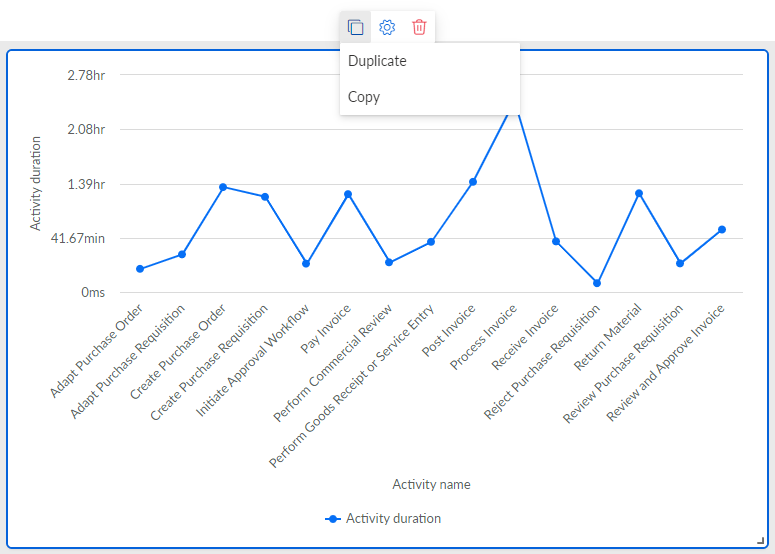
Open an app in another analysis of the same or a different project.
Click the
 icon in the analysis header > Paste the component copied.
Note that the option to paste the component is disabled if the source and target projects use different data sets.
The component is inserted into the selected app.