Duplicate an app component
You can duplicate a component within an app. The duplicated component is automatically inserted into the same app. All settings, including selections, are considered.
When you specify a selection in the source component, that selection also affects the duplicated component, and vice versa. Subsequent changes to the settings will not affect the copy or duplicate.
Procedure. Procedure
Open an app of an analysis.
Select an inserted component in the app.
To duplicate the component, click the
 Copy/Duplicate icon > Duplicate.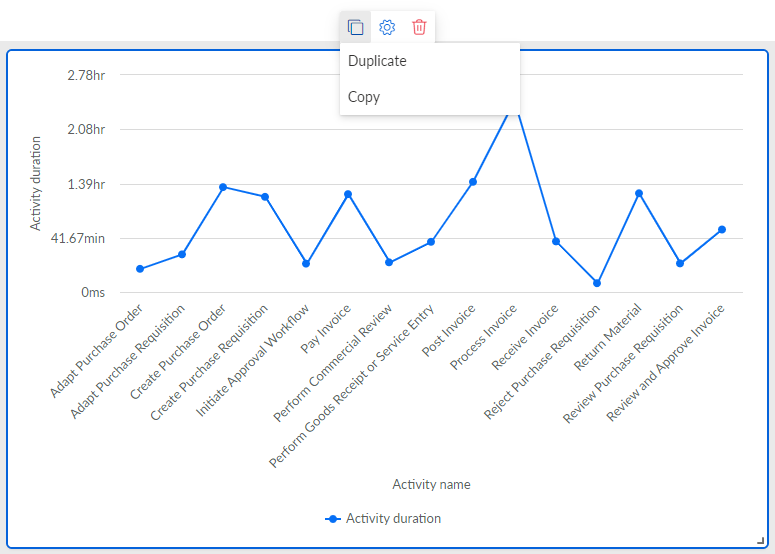
You duplicated a component. The component is automatically inserted in the same app.
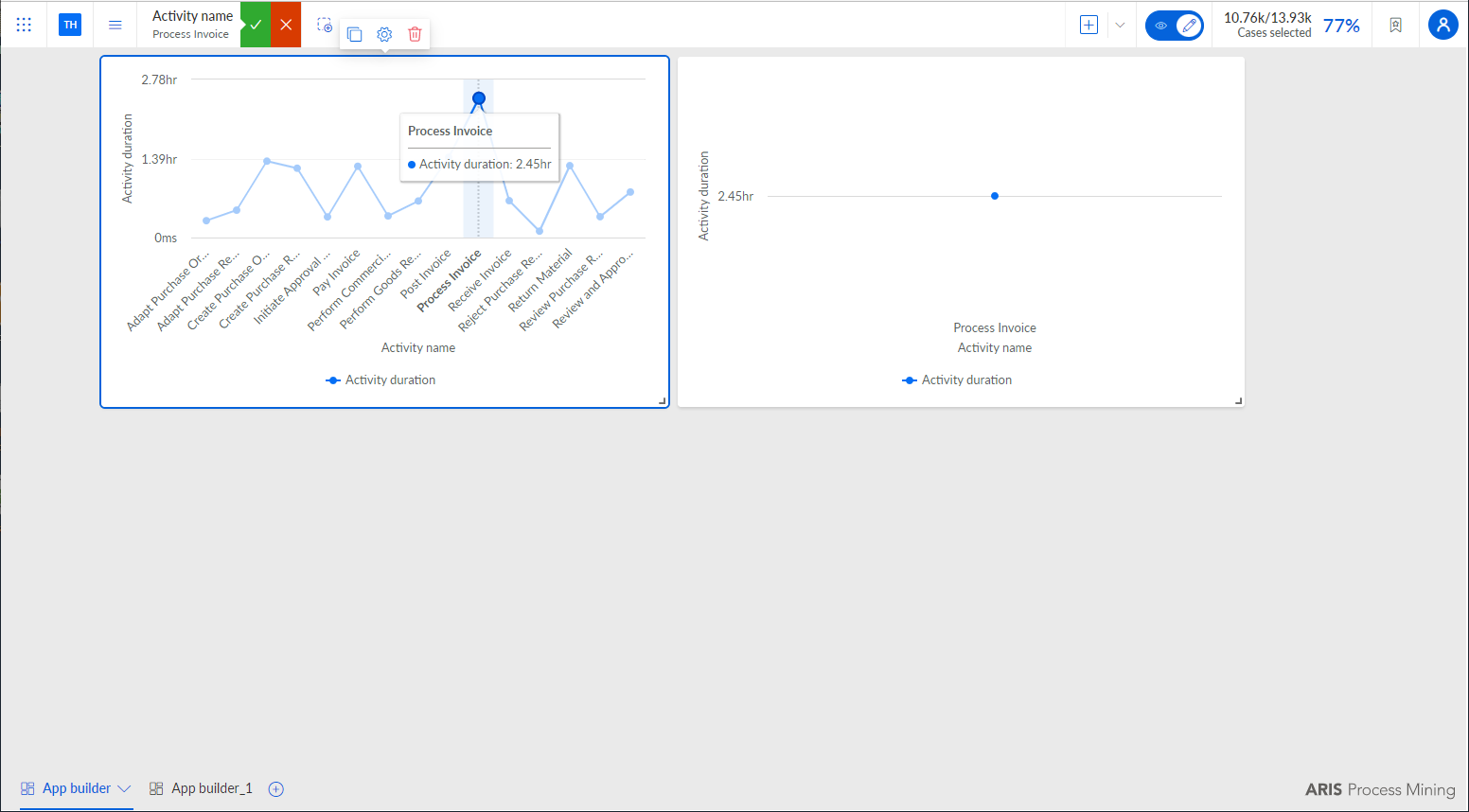
Example 57.
The duplicated component shows the result of a selection made in the original component.