Enable the infinite scrolling mode
You can use infinite scrolling mode to expand the number of values you can display in a table. By default, the number of values allowed in a table is limited for performance reasons. If you enable infinite scrolling mode, you can scroll the values in a table beyond the specified limit.
Note that this may slow down the performance of the app.
Add one or more dimensions or measures to the Table component. An icon (
 ) in the table header indicates when the number of displayable values is exceeded.
You can click the
icon to display the note.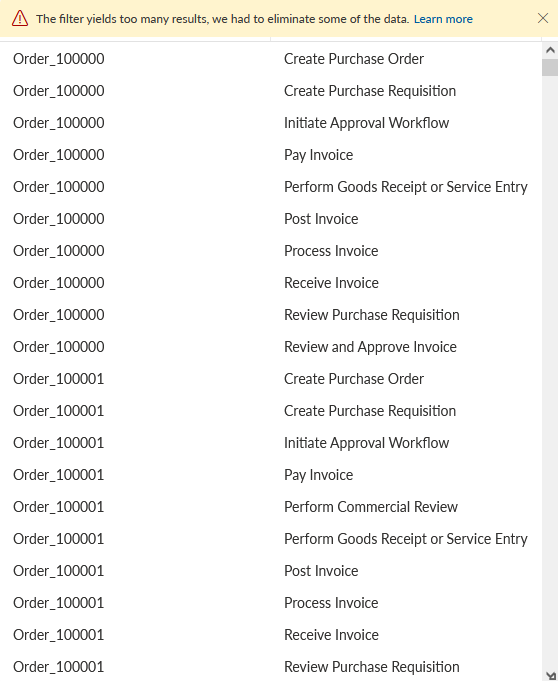
Enable the Infinite scrolling mode option in the Setup options. The limitation note is hidden in the table.
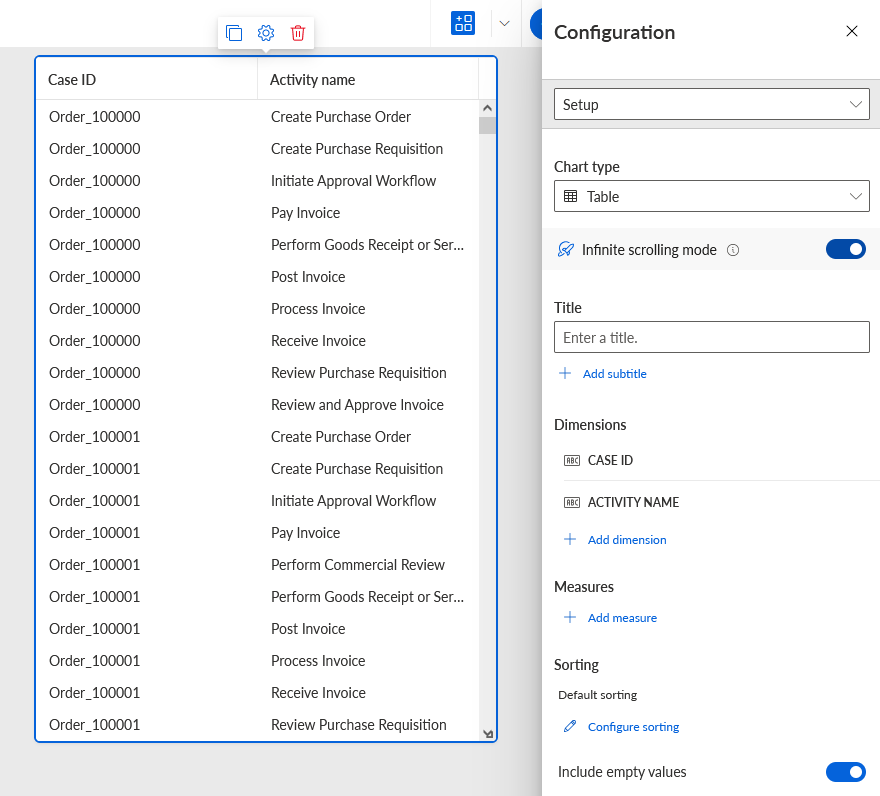
The default data limitation is disabled and you can scroll the values in the table beyond the specified limit.