Perform a process quick check
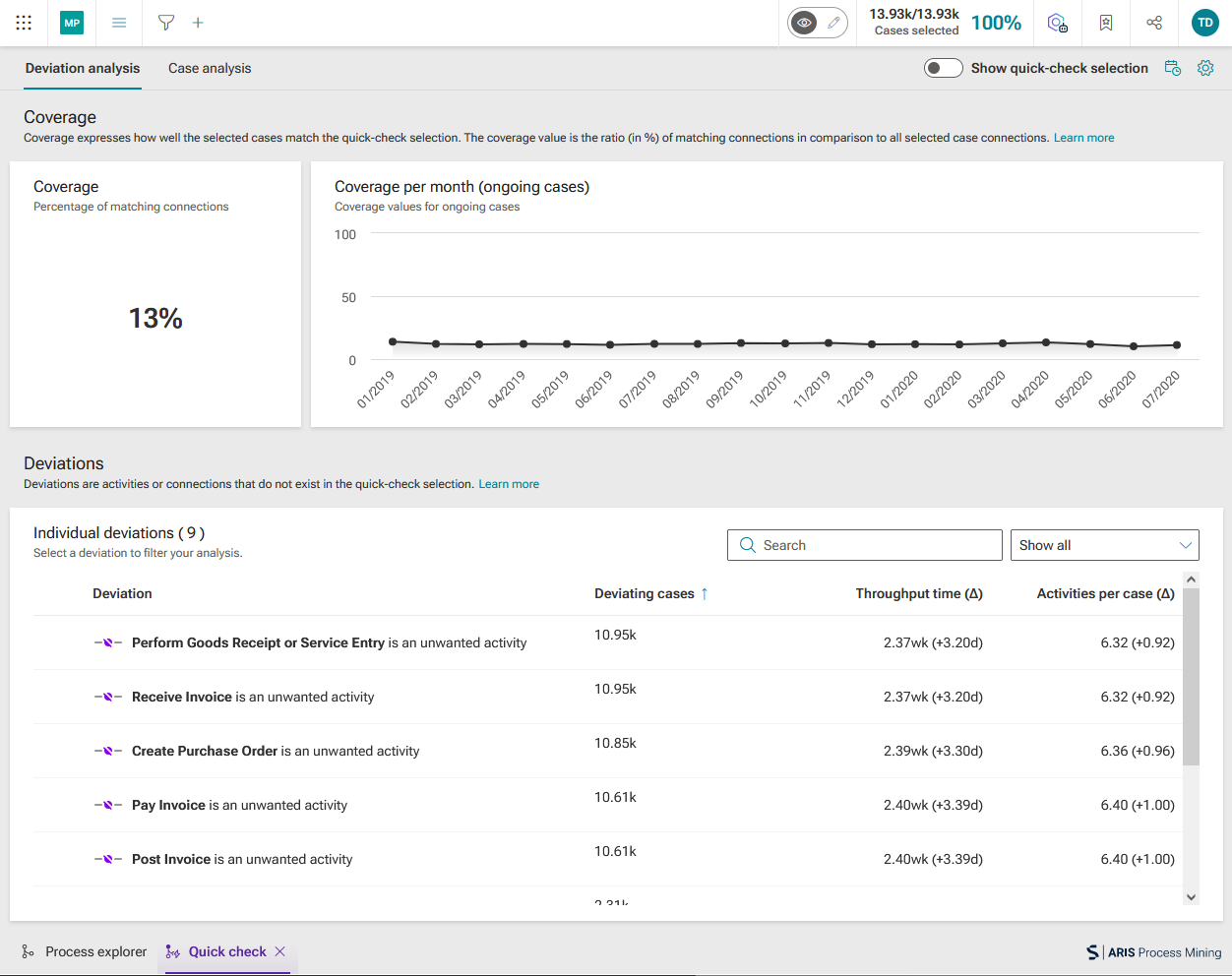
The process quick check enables you to compare your processes to a quick-check selection without much configuration effort. The quick check provides you with statements about how well a process matches a quick-check selection and where both deviate from each other. You can perform a process quick check using the Process explorer app or Process explorer component in the App builder. Here you can configure a quick-check selection. For example, you can base your quick-check selection on the common path, specify different numbers of activities or connections to be considered in addition to the common path, or base your quick-check selection on the most common variant or a combination of variants.
Prerequisite
You have the Analyst or Engineer access privilege.
Add the Process explorer app to the analysis. The Process explorer initially opens with a process graph that shows the most common path.
Example
The initial process with the most common graph.
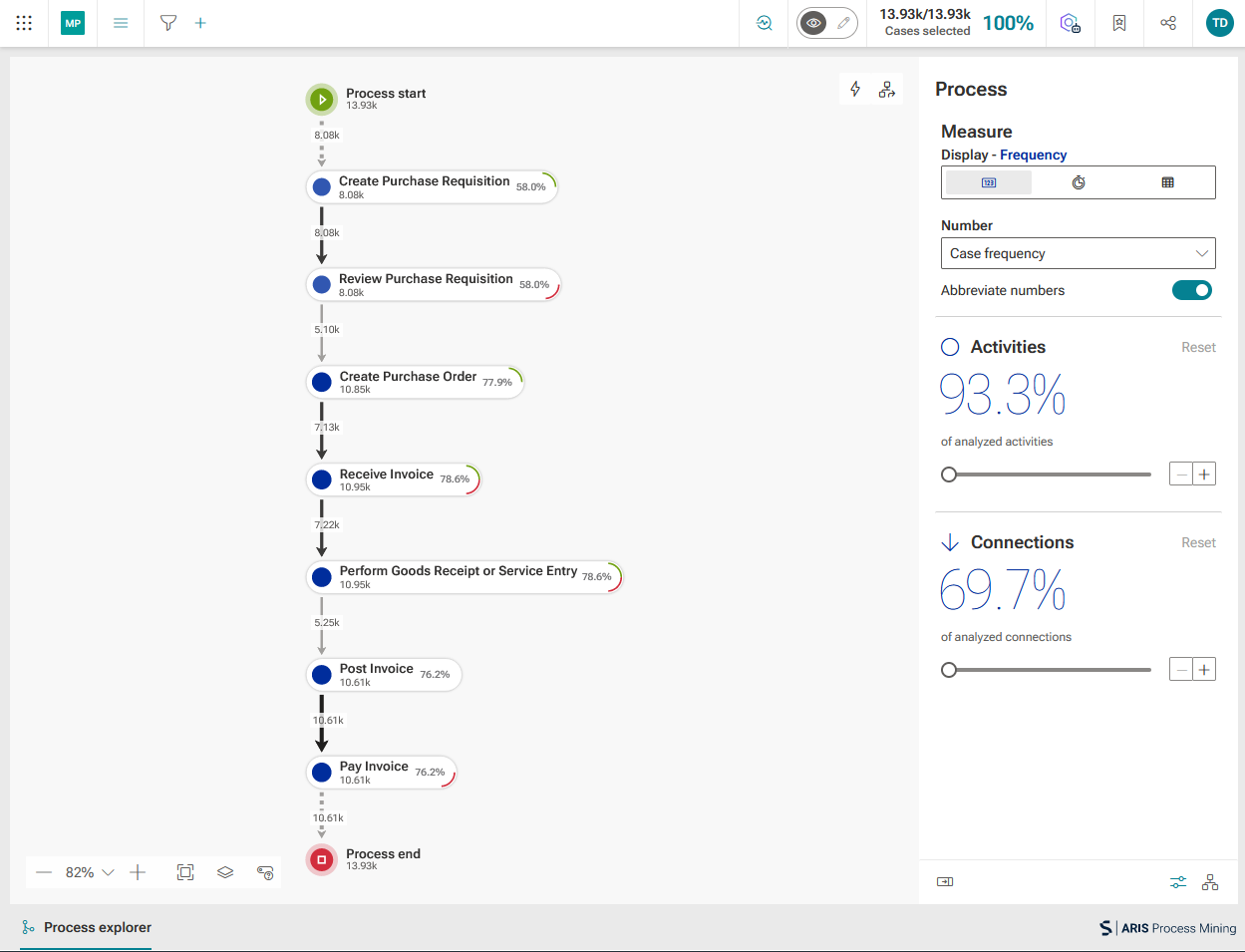
You can now configure a quick-check selection in the Process explorer using the Process and Variants panels.
Example
The second most common process variant is selected as a quick-check selection.
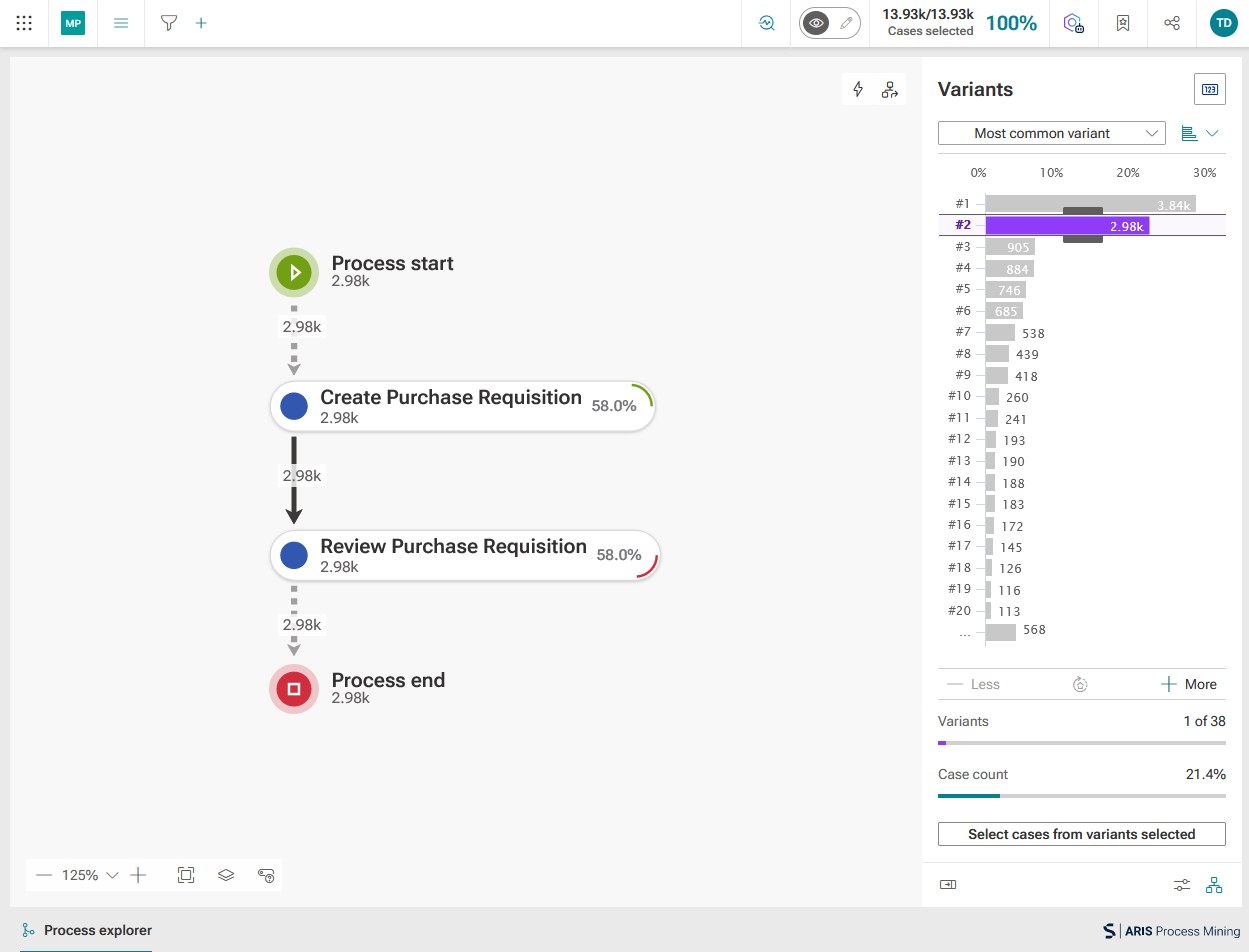
Click the
 Perform quick-check analysis button.
The Quick check app opens.
The Quick check app displays information about differences between the current process and the quick-check selection.