Create a project
You can create a project directly from the ARIS Process Mining Home page.
A project provides the data for process analyses and combines the analyses based on these data. That means that all analyses assigned to a project access the same analysis data. You can store several analyses in a project, which enables you to view and examine the underlying data from different angles.
Click
 Home in the side panel to open the Home page.
Click Create new project. The corresponding dialog opens.
Enter a project name in the Project name input field, for example, my project.
You can optionally enter your own abbreviation for the project in the Abbr. input field. If you do not enter your own abbreviation, ARIS Process Mining creates an appropriate abbreviation automatically.
The abbreviation helps you to find and identify your project.
You can optionally select a color for your project.
The color helps you to find and identify your project.
You can optionally add a data set description and a data set owner to provide additional information about the data set. The specified data set information is displayed as a tooltip when you move the mouse pointer over a data set name, for example.
Click Describe data set. Additional options are displayed.
Enter a description in the relevant input field.
Enter a valid user name in the Owner input field.
Click Save.
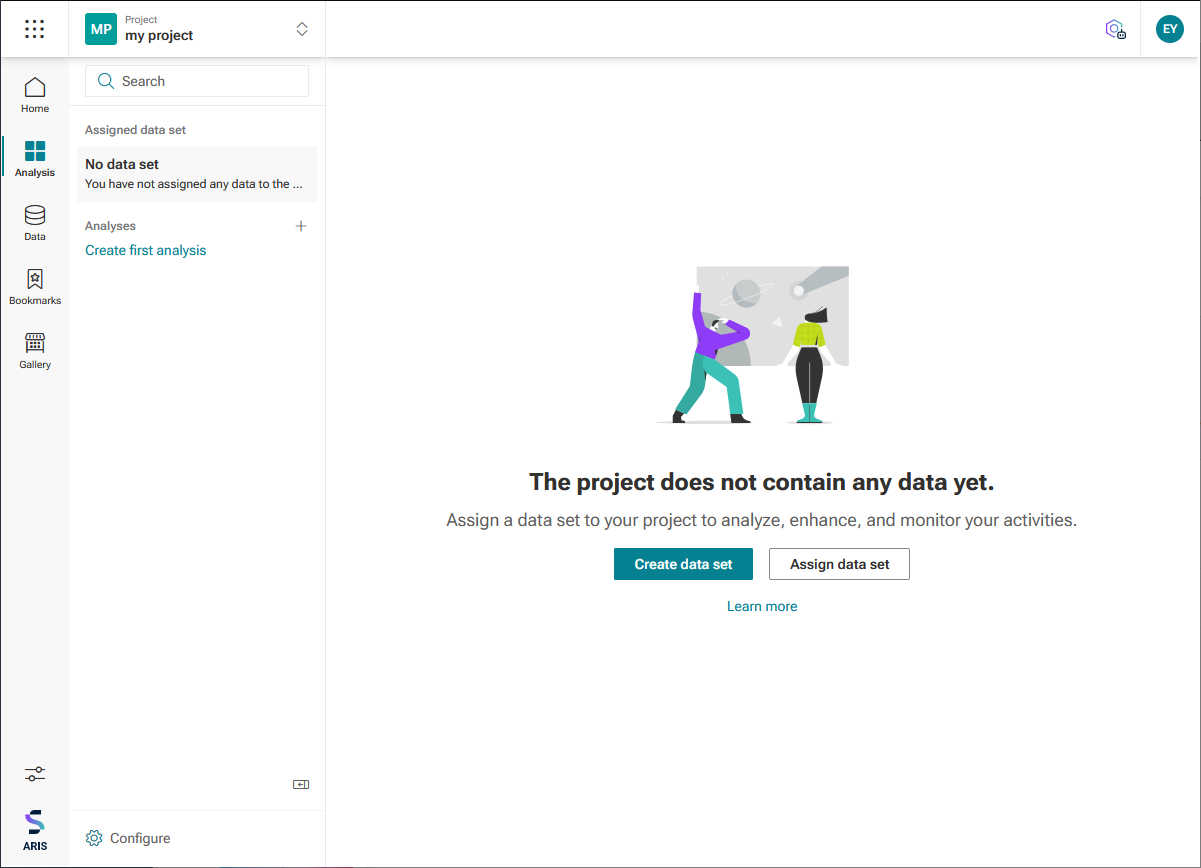
After your project is created, it is listed in the Project panel with the name (for example,My project), color, and the abbreviation you specified.
Your new project is automatically selected in the Project panel, and you can now upload the data that you want to analyze.
Your project is created and you can now add a new data set.